Sony SVD1121BPXB Manual do Utilizador Página 300
- Página / 408
- Índice
- MARCADORES

- VAIO User Guide 1
- Windows 8: The Basics 2
- Parts Description 3
- Connections 6
- Settings 7
- How to Use 10
- Other Operations 10
- Notifications 11
- Read This First 13
- Internet 20
- Keyboard 25
- CD/DVD/BD 36
- Noise canceling headphones 39
- Peripheral device 40
- Speakers 41
- Headphones 45
- Optical digital output 47
- Encryption 68
- Memory module 70
- Built-in storage device 79
- NFC/One-touch functions 100
- Partition 101
- Help and Support 107
- Optical Trackpad 110
- Touch panel 112
- VAIO computer 113
- Care and maintenance 114
- Product registration 115
- Security 116
- Supplied items 117
- Important notice 118
- Read this first 119
- Service and support 120
- Troubleshooting 122
- Hardware 122
- Network / Internet 124
- Backup / Recovery 125
- Peripheral Devices 127
- About Online Support Website 128
- © 2012 Sony Corporation 129
- Windows 8 : How to Start 130
- Connecting to the Internet 132
- Updating Your VAIO Computer 133
- VAIO Care 134
- Finding Support Information 134
- Opening the Charms 135
- Mouse operation 136
- Keyboard operation 136
- Touch operation 136
- Switching Apps 137
- Opening the App Menus 138
- Closing Apps 139
- Trademarks 141
- Opening the App Menu 146
- Switching User Accounts 150
- Viewing Running Apps 151
- Opening Control Panel 154
- Opening the Desktop 156
- About the Touch Screen 157
- Changing the LCD Brightness 159
- Enlarging the Text Size (DPI) 165
- How to Use the Touch Screen 166
- Notes on the LCD screen 169
- Raising the LCD Screen 170
- Selecting Display Modes 171
- About the Network (LAN) 175
- Connection 177
- Function 179
- Related Topic 182
- Restarting 185
- Charge Indicator Status List 187
- Charging the Battery Pack 188
- Connecting a Power Source 189
- Notes on Sleep Mode 190
- Restarting Your VAIO Computer 193
- Selecting a Power Plan 194
- Turning on Your VAIO Computer 196
- Using Sleep Mode 197
- Extending the Battery Life 198
- About the ASSIST Button 205
- Checking Supplied Items 207
- Condition (VAIO Care) 209
- Using VAIO Update 214
- Using the LAN Port 215
- Using the Tilt Feet 216
- Operations 224
- Adjusting the Speakers Volume 231
- Connecting an External Drive 233
- About BLUETOOTH(R) Security 234
- Device such as a Mouse 236
- Charging a USB Device 241
- Connecting a USB Device 242
- About “Memory Stick” 244
- Compatible “Memory Stick” 245
- Formatting “Memory Stick” 246
- Notes on Using “Memory Stick” 253
- About Recovery 255
- Creating Recovery Media 258
- Notes on Recovery 260
- Refreshing Your VAIO Computer 263
- About Built-In Sensors 266
- Notes on Built-In Sensors 267
- Screen (Active Clip) 269
- Using the Built-in Camera 274
- Notes on the Built-in Camera 276
- Notes on Using the TPM 278
- Password 279
- Computer 280
- Creating Partitions 282
- About Backup 283
- About Types of Backup 284
- Creating a Restore Point 287
- About NFC 290
- <NFC supported models> 290
- About One-touch functions 291
- Using NFC/One-touch functions 294
- Trackpad 296
- Using the Optical Trackpad 298
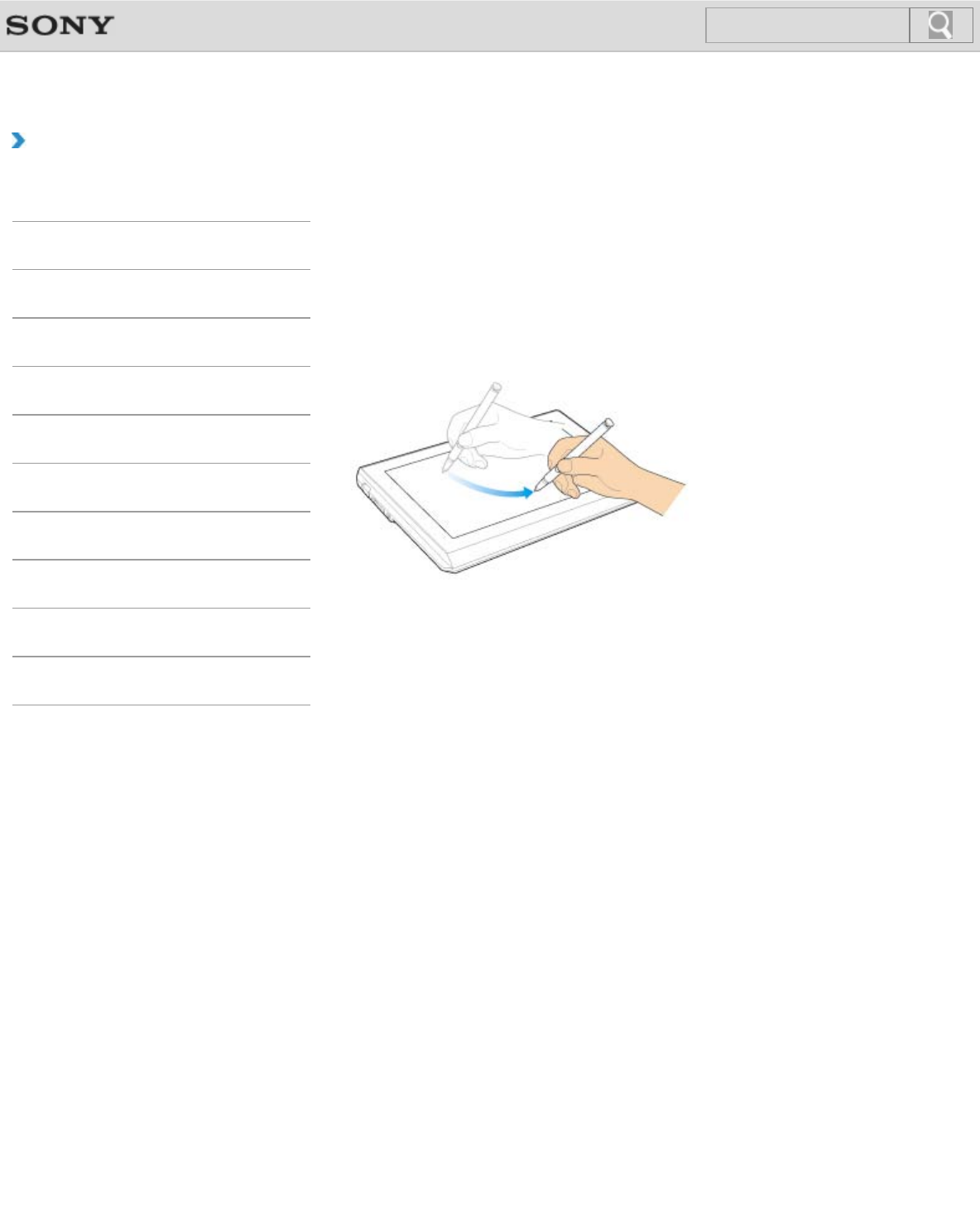
- How to Use the Pen 300
- To erase text 301
- Replacing the Nib 304
- About the Software License 307
- Safety Information 309
- BLUETOOTH 313
- Memory card 317
- Microphone 327
- Software 330
- Recovery 337
- BLUETOOTH(R) function? 349
- HDMI output port? 362
- (Wireless LAN) function? 387
Manuais e produtos relacionados com Computadores portáteis Sony SVD1121BPXB
 (242 páginas)
 (60 páginas)
© 2020, manymanuals-pt.com. Todos os direitos reservados. | 0.047 s |
 Manymanuals.com
 Manymanuals.de
 Manymanuals.fr
 Manymanuals.it
 Manymanuals.pl
 Manymanuals.cz
 Manymanuals.es
 Manymanuals-pt.com
Comentários a estes Manuais